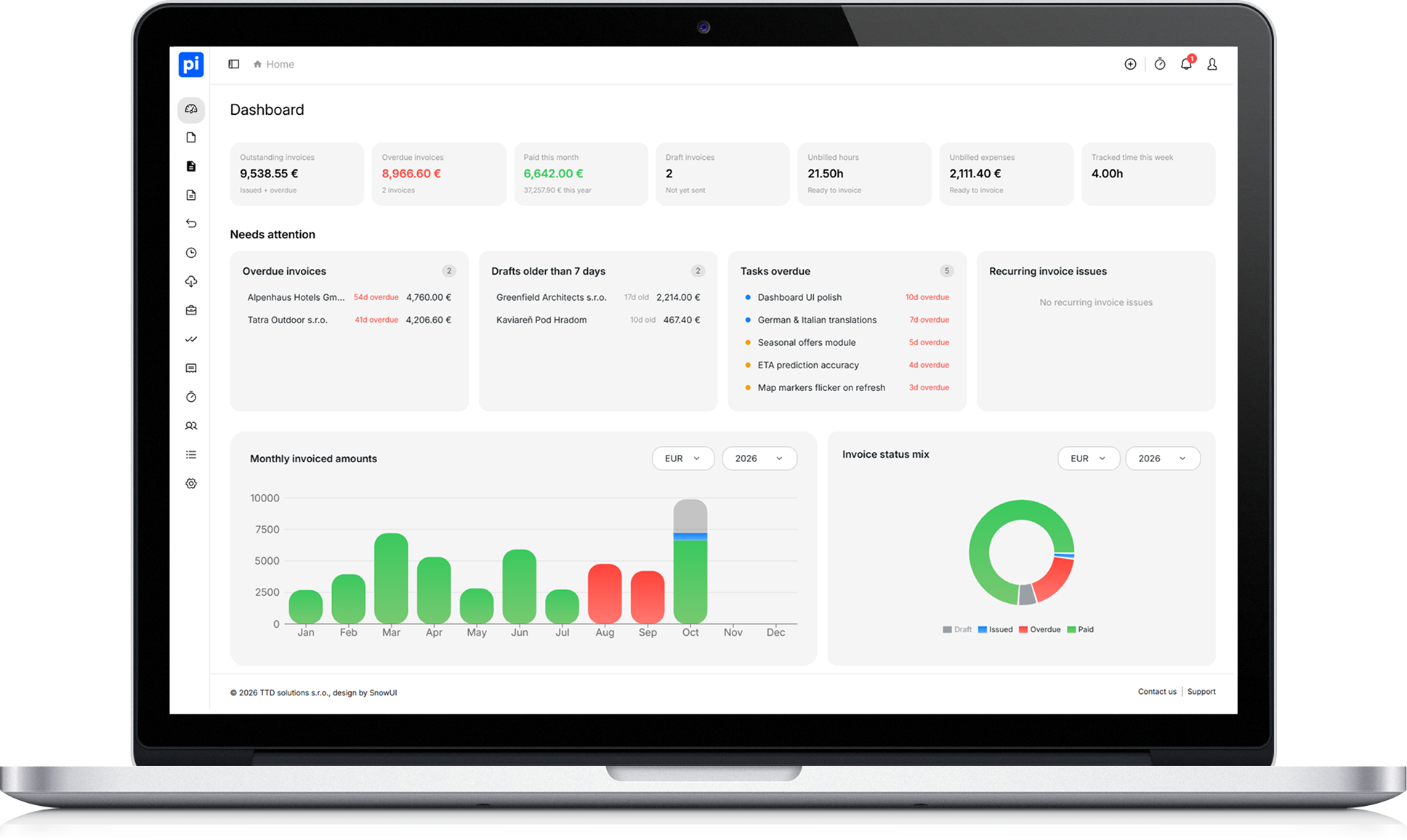
Simple workflow
From quote to invoice
The whole job in one place. No copying data between tools.
-
01
Quote
Prepare a professional quote for your client in minutes.
-
02
Project
Turn an accepted quote into a project with one click.
-
03
Tasks
Plan the work, assign tasks and always see where things stand.
-
04
Time & costs
Track time, expenses and project profitability in real time.
-
05
Invoice
Invoice the work done and deliver it as a PDF, an e-invoice or through the client portal.
Pricing
Choose the plan that fits your needs
Free
- 15 invoices per month
- Quotes & proformas
- Up to 3 active projects
- Time tracking
- Basic project profitability
11.99€/month
- Everything in Freelancer, plus:
- Unlimited invoices and projects
- Kanban task management
- Financial reports and insights
- Project forecasting
- Data import (up to 10,000 rows/month)
24.99€/month
- Everything in Solo Pro, plus:
- 3 user seats included Need more users? Add them any time for 6.99 €/month per additional user.
- Client portal Your clients get their own login to follow their projects and tasks, add notes and see their invoices.
- Team collaboration in real time
- Roles and permissions
- External contractors
- Higher import limits (up to 50,000 rows/month)
Plan comparison
Every feature in one place
How many recurring invoices can be active at once. Paused ones don't count.
Choice of invoice template, your own logo and signature.
Previous versions of invoices, credit notes, proforma invoices and quotes.
One monthly row allowance, shared by client, item and invoice imports.
Closed projects don't count towards the limit.
Users included in the plan. On Business you can add more.
Contractors only see the projects you add them to.
Changes to tasks, notes and notifications show up for others straight away, without reloading the page.
Notifications when a task is assigned to you, or on new notes and mentions.
Files uploaded to the app (documents, attachments, images). Generated PDFs don't count.
When signing in, you also enter a code from an authenticator app or one we email you.
Contact